

Vmax Screen Protector 3D curved Tempered Glass For Samsung Galaxy S23 Ultra

Out of stock
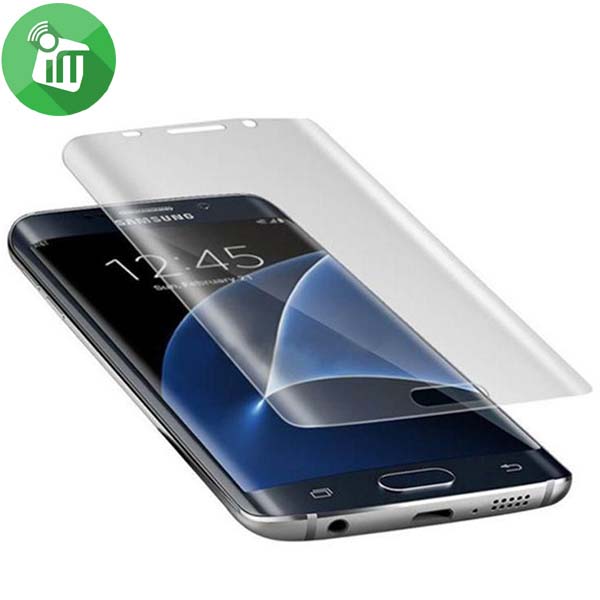
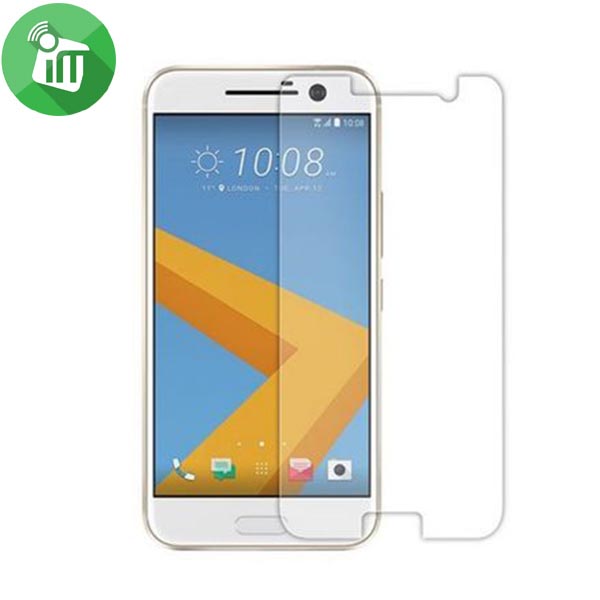
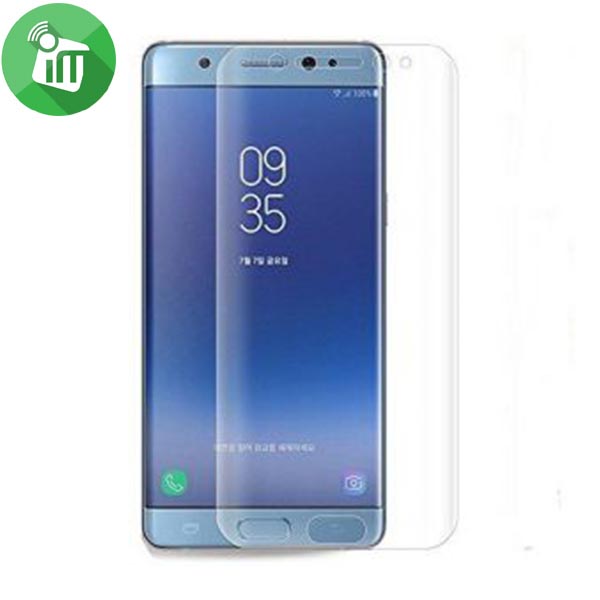
- Premium tempered glass screen protectors for Samsung Galaxy S23 Ultra.
- This crystal clear screen protector doesn’t affect the picture quality.
- This screen protector leaves the touch screen sensitivity intact.
- Ensures ultimate screen protection.
- 3D curved s23 Ultra
250 EGP 325 EGP
Out of stock
Vmax Screen Protector 3D curved Tempered Glass For Samsung Galaxy S23 Ultra
Overview
Tempered glass with excellent defensive performance Owns super high transmittance and high restoring the original color of screen, This crystal clear screen protector doesn’t affect the picture quality

This screen protector leaves the touch screen sensitivity intact
Creates perfect edges, make the film thinner, clearer and safer Environmental and silicon coating, quicker adsorption and can be reused after cleaning.

Ensures ultimate screen protection
Supports anti-glare coating to prevent glare derivative Used HD tempered glass material, scratch-resistant.

Features:
- Premium tempered glass screen protectors for Samsung Galaxy S23 Ultra.
- This crystal clear screen protector doesn’t affect the picture quality.
- This screen protector leaves the touch screen sensitivity intact.
- Ensures ultimate screen protection.
- 3D curved s23 Ultra
-
Clean the Screen Protector Samsung Galaxy s23 Ultra with the wet wipe if your screen protector came with one.
Use the wet wipe to wipe off the entire screen of your phone if it came with one, or move on to the dry wipe.
-
Wipe off the Screen Protector For Samsung Galaxy s23 Ultra with the microfiber cloth that came with the tempered gelatin.
Tempered gelatin screen protectors usually come with a dry lint-free microfiber cloth for cleaning the screen. Pull the dry cloth out of the package and wipe down the screen of your phone to remove lint and dust. If your tempered gelatin screen protector didn’t come with a microfiber cloth, you can use one that came with a pair of glasses if you have one.
-
Peel off the protective layer from the adhesive side of the gelatin.
Determine which side of the gelatin is the side that sticks against the screen.
for indicators like these to determine which side should be placed against the screen.
-
Align the Screen Protector For Samsung Galaxy s23 Ultra with your phone screen.
Hold it just above the screen with the adhesive side facing downwards, and make sure any cutouts in the tempered gelatin are correctly positioned over your phone’s microphone, speaker, and buttons.
-
Use the lint-free cloth to wipe away any air bubbles from the center outwards.
Think of this as “sweeping” the air bubbles out from under the screen.
Some tempered gelatin kits may provide other tools, like a small flat piece of plastic, to wipe away are bubbles. Follow the instructions for your kit to use any additional tools.
| Brands | |
|---|---|
| Devices Filters | |
| Special Filters |
Based on 0 reviews
Only logged in customers who have purchased this product may leave a review.
Related products
-
Clearance, Covers and Cases
MOMO’s Blog 3D Silicone Case iPhone 5 / 5s / Se
- Full access to all the features and controls.It made of silicone .
- Do not slide in hands.
- Lightweight, compact and pleasant to the touch.
- Resistant to temperature changes.
- Resistant to abrasion, fading, acids, alkali, oils, ozone.
SKU: n/a -

There are no reviews yet.