
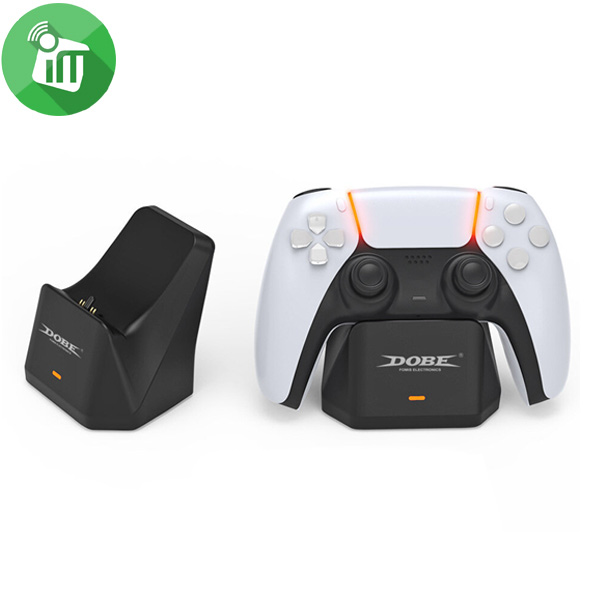
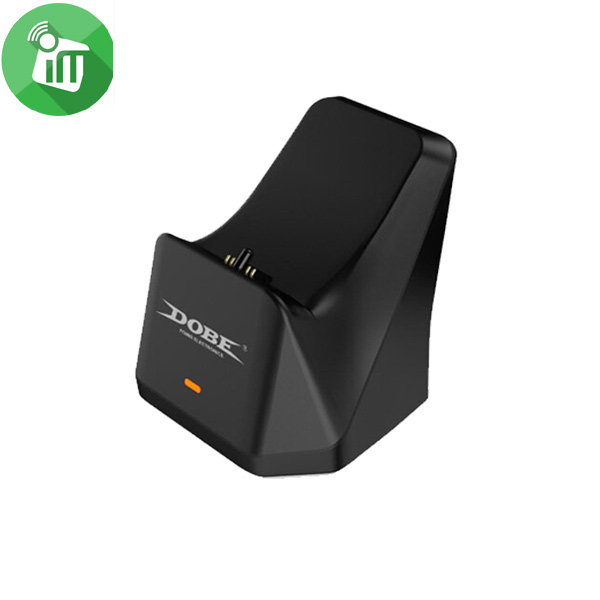
DOBE PS5 Controller Charging Dock (TP5-0586)

3 in stock
incase of installments will the official price
- This product does not include the controller.
- The product uses DC voltage regulator for charging.
- the charging more stable and fast.
- There is a non-slip rubber pad on the bottom of the charger.
- Charger shape is very compatible with PS5 handle it is very suitable to position.
450 EGP 550 EGP
3 in stock
DOBE PS5 Controller Charging Dock (TP5-0586)
Overview
Power supply port is at the bottom of the back of the product
Use USB to TYPE-C charging cable for connecting the PS5 host, plug the USB2.0 male plug into the PS5 host and plug TYPE-C male plug into the power
input port on the bottom of the product back.

After power on there is a red light
power indicator on the forehead and the red light will remain when power on.

Place the PS5 handle
horizontally and a certain angle on the charging card mode from the charger to charge

PS5 Controller Charging Dock
The red indicator lamp
on the front of the bassinet is power indicator. When the crib is connected, it will begin to light up and it will come out when the power is detached.
Note: when you put the handle, first align the round rubber post on the charger with the earphone hole from the handle and then gently push it in. ), when the handle is charged, you can see the orange breath light on the handle and the orange breathing light will come out on the handle after fully charged.
Note: orange breathing light will only be displayed when the handle is not connected to the host, if the handle is connected to the controller, when charging and a long white light is only displayed on the handle.

Features:
- The product uses DC voltage regulator for charging.
- the charging more stable and fast.
- There is a non-slip rubber pad on the bottom of the charger.
- Charger shape is very compatible with PS5 handle it is very suitable to position.
- DOBE PS5 Controller Charging Dock (TP5-0586)
| Brands | |
|---|---|
| Special Filters | |
| Color | |
| Devices Filters |
Based on 0 reviews
Only logged in customers who have purchased this product may leave a review.
Related products
-
-
Mounts & Holders, Original Products
Samsung Universal Smart phone Micro USB Desktop Dock
-40%Quick View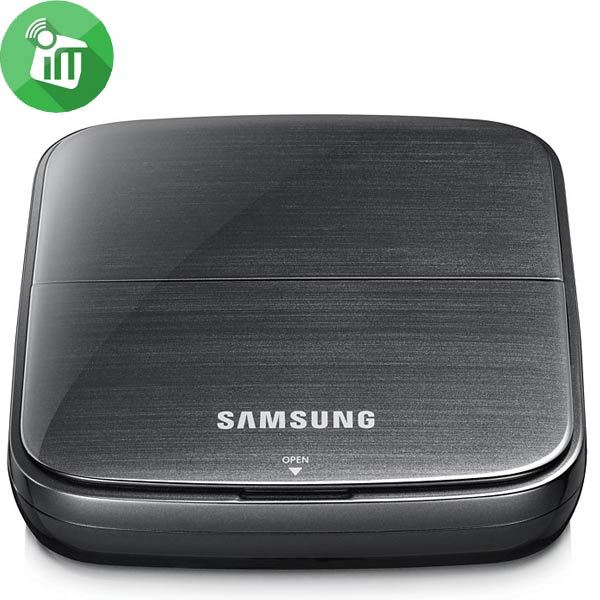 Mounts & Holders, Original Products
Samsung Universal Smart phone Micro USB Desktop Dock
incase of installments will the official price
- Charge a device whilst docked
- Ideal for looking at photos and checking emails while charging
- Compatible with a number of Samsung Micro USB devices
- Universal Desktop Dock for the most smartphone
- Area: World Wide
- I / F 1: microUSB – Phone, I / F 2: Audio line out – 3.5mm line out, I / F 3: micro USB – Travel Adapter
- Weight: 115.3g
- Color: Black
SKU: 8806085091429


There are no reviews yet.